
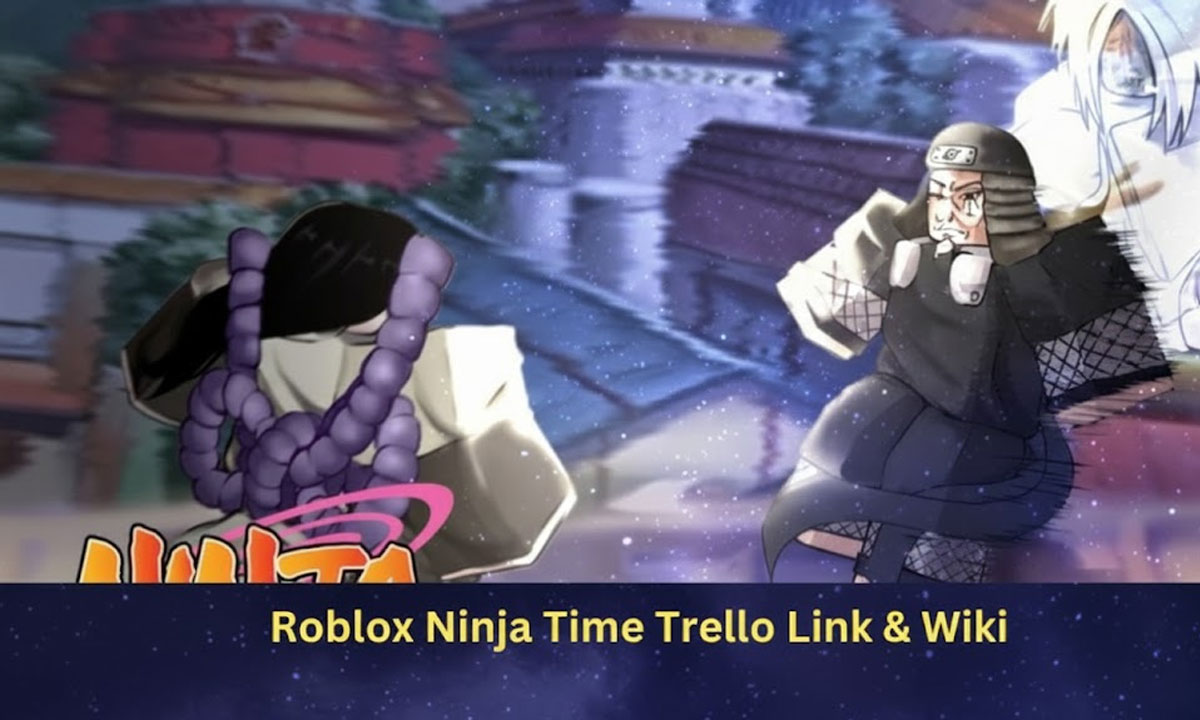
Roblox has no shortage of action-packed experiences, and Ninja Time has quickly established itself as one of the most promising anime-style combat games on the platform. With its clan system, elemental combat, skill progression, boss fights, open-world exploration, and rare drop mechanics, Ninja Time is becoming a major hub for RPG-style players on Roblox.
However, with constant updates, new features, and dozens of mechanics added regularly, new players often get confused about how the game works. That is where the official Ninja Time Trello board and Wiki become extremely valuable.
They contain detailed information directly from the developers—covering clans, elements, villages, maps, mastery systems, NPCs, bosses, weapons, game modes, and more.
In this guide, you’ll find:
- The official Ninja Time Trello link
- The official Ninja Time Wiki link
- Active resources and community pages
- An overview of everything the Trello contains
- Why Trello is important for players
- Tips for new players
- Ninja Time codes reference
- Troubleshooting when Trello doesn’t open
This is your complete central hub for Ninja Time information in January 2026.
Official Ninja Time Trello Link
Here is the verified Trello link officially maintained by the Ninja Time developers:
👉 Ninja Time Official Trello Board:
https://trello.com/b/QXI6csm3/ninja-time-official-trello
This board is actively maintained and updated by the development team.
If anything changes, this guide will be updated accordingly.
Official Ninja Time Wiki
The new, correct, and primary Wiki for the game is:
👉 Ninja Time Wiki:
https://ninja-time.fandom.com/wiki/
This wiki covers:
- Characters
- Clans
- Weapons
- Maps
- Combat mechanics
- Bosses
- Patch notes
- Update logs
- Items
- Skills
… and much more.
What You Can Find Inside the Ninja Time Trello Board
The Trello works like a giant, organized encyclopedia of the game.
Inside the board, you will find:
Clans (Rarity Breakdown)
- Clan abilities
- Clan buffs
- Clan bonuses
- Rarity tiers
- Passive skills
Elements
- Element types
- Skill requirements
- Element advantages
- Element evolution path
Maps
- Region locations
- Spawn zones
- Secret areas
- Boss dens
- PVP zones
Bosses
- Location data
- Drop tables
- Respawn timers
- Difficulty ratings
Drops
- Rare drops
- Limited drops
- Dungeon drops
- Boss-exclusive drops
Progression Systems
- Leveling guide
- Skill mastery
- Item progression
- Stat growth
Game Mechanics
- Currency
- Combat types
- Movement techniques
- Summons
- Equipment
Because new content is constantly added in patches, Trello often updates FIRST.
Why Trello Matters for Ninja Time Players
Unlike random guides online, Trello is:
✔ Official
✔ Accurate
✔ Maintained by devs
✔ Contains internal game design notes
✔ Updated before most fan-sites
It offers reliable gameplay knowledge.
If you’re serious about becoming a top-tier player…
…you should check it regularly.
Ninja Time Codes (Updated Frequently)
For codes, rewards & freebies visit:
Codes can give you:
- Spins
- Boosts
- In-Game Rewards
- Currency
- Exclusive bonuses
New codes are usually released during:
- Updates
- Milestones
- Anniversaries
- Patches
- Events
Ninja Time Game Link (Roblox Page)
To launch the game directly from Roblox:
👉 https://www.roblox.com/games/8075399143/RELEASE-TODAY-Ninja-Time
Bookmark it to avoid fake listings.
Official Ninja Time Discord
Community, announcements, leaks, patch schedules:
👉 https://discord.com/invite/YMuBUbc2mw
Join for:
- Update notices
- Dev Q&A
- Reporting issues
- Help from veteran users
- Community builds
- Trading
If The Trello Doesn’t Open – READ THIS
You might face issues such as:
- Link not opening
- Board unavailable
- Board inaccessible
- Access error or login prompt
- “Board has moved”
- Board is private
This usually means:
🔹 Devs are updating it
🔹 Devs temporarily locked viewing
🔹 Trello link has been replaced
🔹 Maintenance is in progress
Solutions:
✔ Try again after a few hours
✔ Refresh browser
✔ Clear cache
✔ Join Discord for notices
✔ Leave a comment requesting help
If link goes dead permanently,
I will provide the new link here.
How Trello Helps New Players Progress Faster
Here’s what players gain by using Trello:
- Learn which clans are best
- Know exactly which boss drops what
- Discover hidden gameplay systems
- Avoid wasting time grinding inefficiently
- Know where every boss spawns
- Understand build progression
- Plan element combinations
- Learn advanced movement tech
- Know how stats affect gameplay
- Learn which weapons to chase
It eliminates confusion completely.
Beginner Growth Roadmap (Step-By-Step)
- Unlock starter skills
- Join a clan
- Pick your first element
- Unlock weapon tier progression
- Grind low-level bosses
- Learn movement combinations
- Unlock high-tier skills
- Begin collecting rare drops
- Join events & raids
- Become competitive
Advanced Player Tips
1. Don’t skip movement training
Travel time = lost XP
2. Learn boss attack patterns
Even weak gear players can win
3. Min-max your weapon builds
4. Track spawn cycles with Discord
5. Focus on rare drops before leveling
Final Thoughts
Ninja Time is gaining momentum and becoming one of Roblox’s most promising ninja-style RPGs. Because of continuous updates and expansions, Trello and Wikis are absolute must-have resources for both newcomers and experienced players.
Using them will dramatically speed up your progression and make the game more enjoyable.
Bookmark this guide — it will be updated every time the Trello changes.
Follow Our Youtube channel